Business app
Creates an event such as a new booking, ready order, form response, or changed service status.

Use an Android phone and SIM as the SMS sender for practical business workflows. Zapier, Make, or Voxiplan starts the workflow; VoxiSMS sends from your own mobile number and active carrier plan.
Quick answer
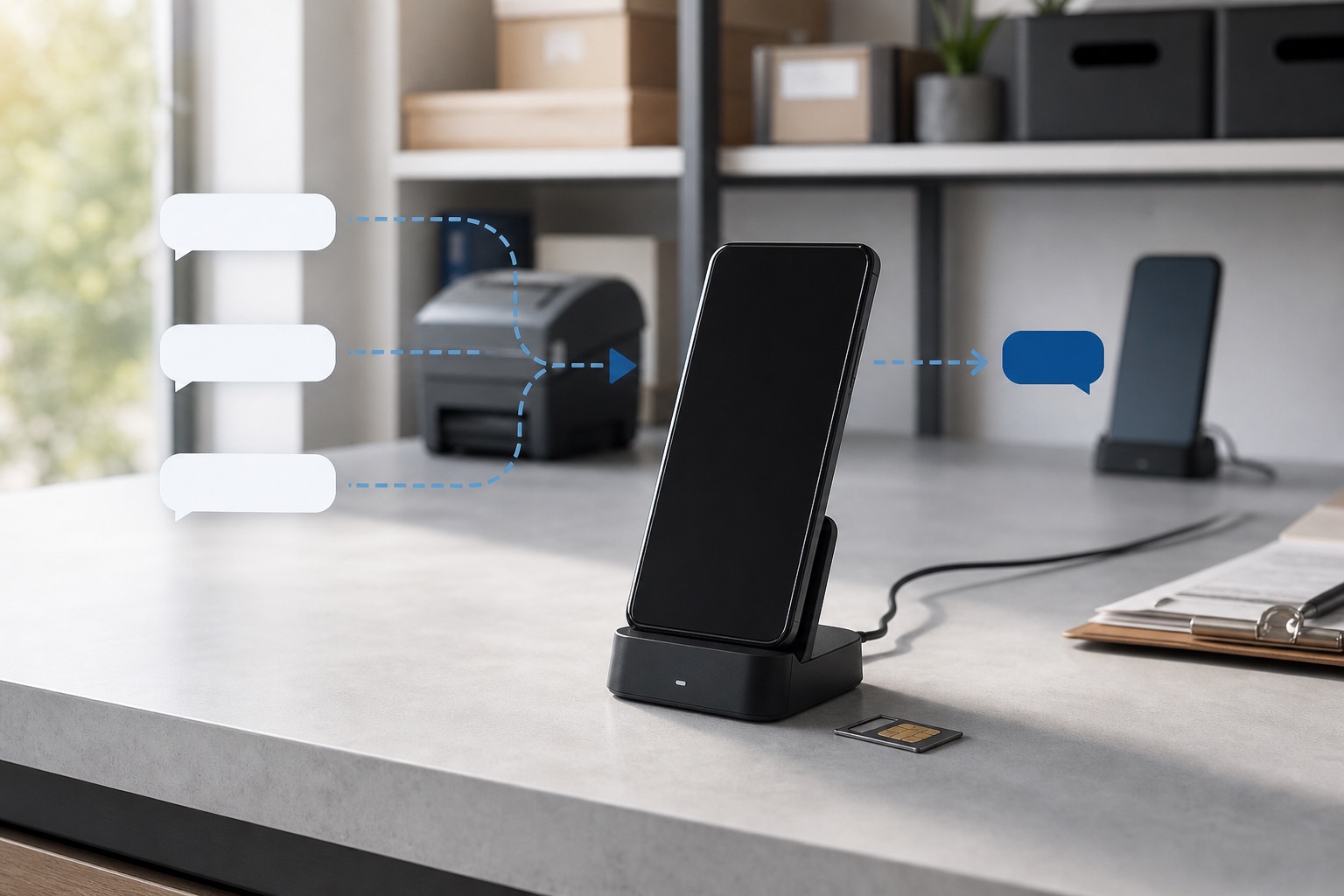
VoxiSMS is an Android SMS gateway for businesses that want operational texts to leave from their own mobile number. A supported automation starts the workflow, and the connected phone completes the send through its SIM.
Each layer has one job: the source app owns the business record, the automation owns the trigger and message logic, and the Android phone owns SMS delivery.
Creates an event such as a new booking, ready order, form response, or changed service status.
Zapier, Make, or Voxiplan checks the event, chooses whether to send, and maps the recipient and message.
Passes the approved send instruction to the registered Android device.
Sends the SMS from the real mobile number through the active carrier plan.
Receives the text and can answer the same number; the reply can continue into the configured workflow.
Start with a message tied to a real event and give the recipient one useful next step.
| Business event | Example message |
|---|---|
| Appointment booked | [Business]: Your appointment is confirmed for [date] at [time]. Reply if anything changes. |
| Order ready | [Business]: Order [reference] is ready for pickup at [location]. Reply here if you need help. |
| New enquiry | [Business]: Thanks for your enquiry about [topic]. We will follow up by [time]. |
| Service status changed | [Business]: Your service visit is now planned for [time window]. Reply if access details changed. |
| Payment due | [Business]: Invoice [reference] is due on [date]. View it at [approved link] or reply for help. |
| Staff task created | [Team]: New [task] at [location]. Open [approved system] for the details. |
Use the integration that already matches the source event. The VoxiSMS integrations hub explains the common route. Appointment teams can use the Voxiplan connection for confirmations, reminders, changes, and reply handling. To manage the workflow from a desktop, see how to send SMS from a computer through the Android gateway.
“Android SMS gateway,” “cloud SMS API,” and “self-hosted gateway” describe different ownership models. Choose by workflow, sender, and operating responsibility.
| Route | Best fit | Sender | Setup and ownership |
|---|---|---|---|
| VoxiSMS Android gateway | Operational and transactional workflows from a recognizable mobile number | Your connected Android phone and SIM | Configure the phone, then use Zapier, Make, or Voxiplan. VoxiSMS adds no per-message fee. |
| Cloud SMS API | Developer-led systems that need broader telecom infrastructure or high throughput | Provider-managed sender infrastructure | Build against the provider API and its pricing, sender, and carrier requirements. |
| Self-hosted Android gateway | Technical teams that specifically want to operate their own server or direct API | A phone or device managed by the team | The team owns deployment, updates, security, and reliability. |
VoxiSMS is a managed Android delivery layer, not a self-hosted SMS server or direct REST API. Use Zapier, Make, or Voxiplan to pass the message to the registered phone.
Use a phone with an active SIM and the business mobile number you want recipients to see.
Download the app from Google Play and grant the SMS permissions required during setup.
Keep the phone charged, online, and in a stable location where the team can check it.
Choose Zapier, Make, or Voxiplan and connect the source app that owns the business event.
Select a real trigger, confirm the recipient, and pass only the smallest useful set of message fields.
Use an internal number to check the selected SIM, message content, offline queue, and inbound reply path.
Start with one internal recipient. Check the phone-number format, the selected SIM, the message fields, and the reply destination before you activate the workflow for real contacts.
The phone is delivery infrastructure, so keep it in a stable location with power and internet. Official Android guidance on Doze and App Standby explains that idle modes can defer network activity and background jobs.
| Check | Practical setup |
|---|---|
| Power | Use a stable charger and confirm the phone remains powered during operating hours. |
| Internet | Keep a reliable Wi-Fi or mobile-data connection available. |
| Battery settings | Review the device's battery optimization behavior for VoxiSMS and test the phone after it has been idle. |
| SIM choice | On a multi-SIM device, verify which SIM sends the internal test message. |
| Offline behavior | Disconnect the phone briefly, trigger an internal message, reconnect, and confirm the queued send. |
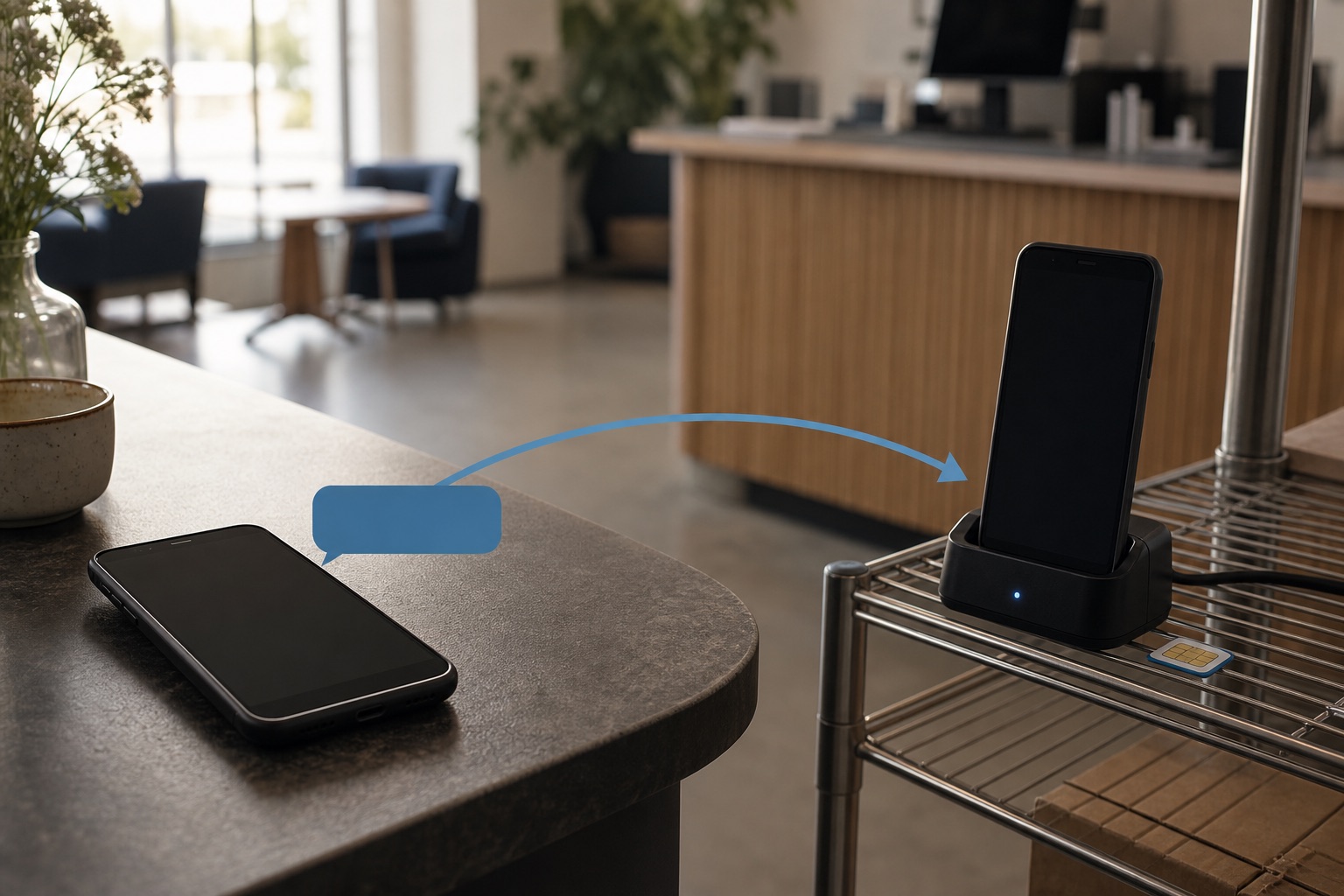
Recipients can answer the number they just saw. Configure VoxiSMS to forward the inbound SMS into the supported workflow your team uses for bookings, orders, service questions, or enquiries.
How the phone, SIM, automation route, replies, and message fees fit together.
It is a phone-and-SIM delivery route that connects a software workflow to the carrier SMS network. VoxiSMS receives a supported automation instruction and lets the registered Android phone send the message from its active mobile number.
No. Use the mobile number already active on the SIM in the connected Android phone. Recipients see that number when the device sends the SMS.
No. The verified setup routes use Zapier, Make, or Voxiplan. If the requirement is a server that your developers host or a direct REST endpoint, that is a different product model.
VoxiSMS queues the instruction and sends it when the connected phone comes back online. Keep the device powered and connected when message timing matters.
Yes. Replies arrive on the mobile number in the connected phone and can be forwarded into supported workflows.
VoxiSMS adds no per-message fee. The Android phone sends through the mobile plan already active on its SIM.