


An SMS campaign is a planned set of texts for a defined, consented audience and a clear purpose. For a small operations team, a sound campaign combines a documented trigger, a useful message, reply ownership, opt-out suppression, and realistic carrier volume; the sending tool does not replace consent or carrier rules.
That definition covers more than a promotional text blast, including appointment reminders, order updates, service confirmations, and short follow-up sequences that run from a repeatable workflow.
SMS campaigns in a nutshell
- Start with one audience and one operational outcome, then choose the trigger that proves a message is due.
- Record how the recipient agreed to receive that category of text and exclude anyone who opted out.
- Decide who handles replies, failed sends, and an offline sender phone before the campaign goes live.
- Budget for the Android device, carrier plan, automation tool, and staff time. VoxiSMS adds no per-message fee of its own, but carrier charges and fair-use limits may apply.
- Use a registered high-throughput provider for broad promotional or mass-marketing sends. VoxiSMS is designed for moderate-volume operational and transactional texting.
Planning a workflow now? Review the VoxiSMS integrations and choose the trigger source your team already uses.
Five SMS campaign examples that fit a small operations team
Begin with the event that makes a text expected and helpful. Each example below ties the message to a specific change in the business workflow.
| Campaign | Trigger | Useful message content |
|---|---|---|
| Appointment reminders | A booked appointment reaches the reminder window | Business name, appointment time, and a clear confirm or reschedule path |
| Order updates | An order moves to a new fulfillment state | Order reference, current status, and the next expected step |
| Service confirmations | A service request is accepted, changed, or completed | What changed, when it applies, and where to ask for help |
| Internal alerts | A monitored business condition needs a staff response | The event, priority, owner, and link or instruction needed to act |
| Short follow-up sequences | A recipient completes a consented signup or service step | One useful next action per message, with a clear stop path where required |
For more practical ideas, see the SMS notifications for business examples covering order updates, appointment changes, service events, and customer requests.
Restaurant teams can adapt the same event-led approach for reservations, waitlists, pickup orders, and guest replies with the restaurant SMS marketing examples.
For appointment workflows, VoxiSMS with Voxiplan separates the jobs cleanly: Voxiplan handles scheduling and reminder logic, while VoxiSMS handles delivery through the connected Android phone.
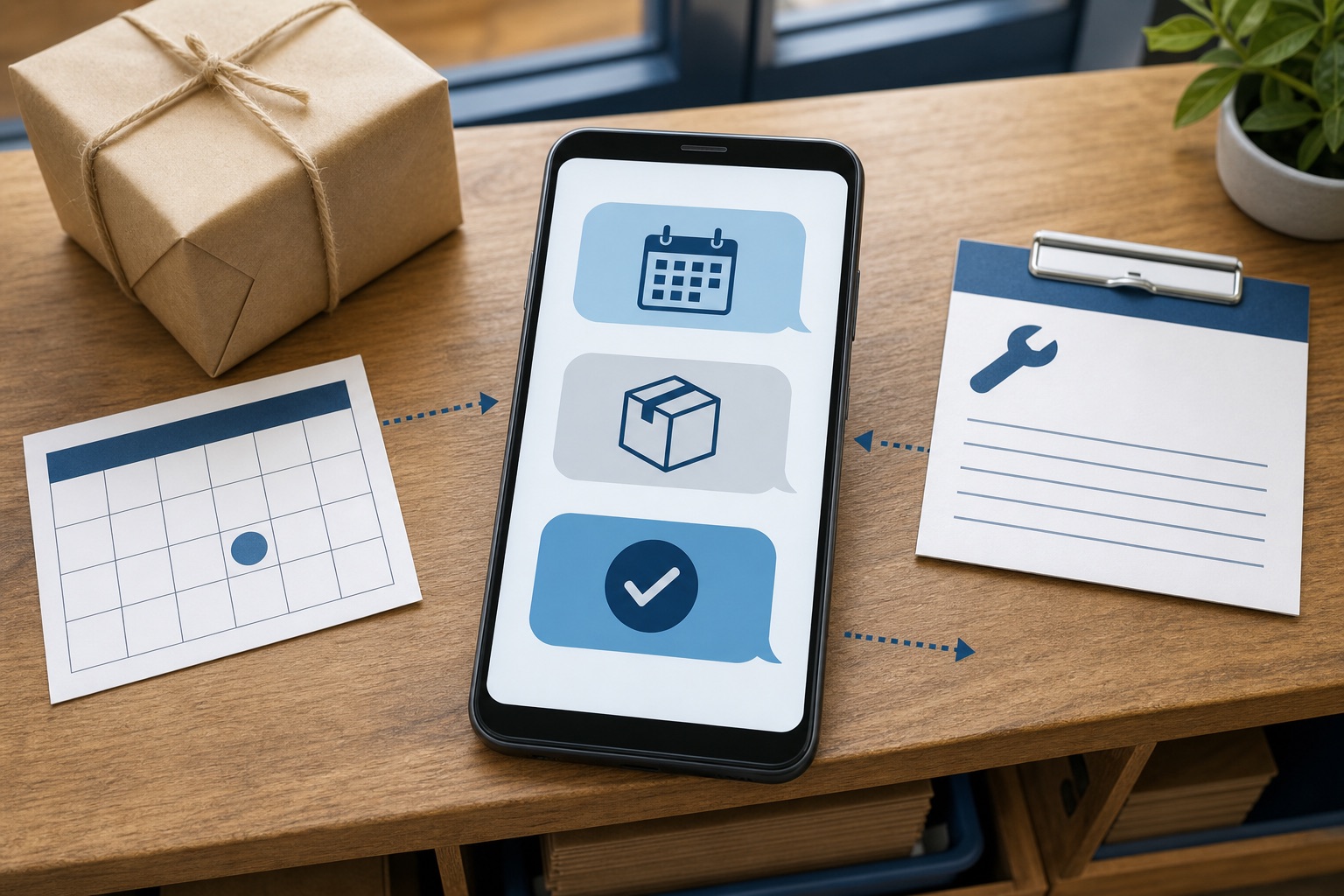
Practical message patterns
Treat these as starting structures, not copy-and-paste legal templates. Replace every placeholder, match the text to the permission you collected, and have the final wording reviewed for your market and use case.
For more event-specific starting points, browse the business SMS template library covering appointments, orders, support, leads, billing, team operations, feedback, and consented promotions.
- Appointment reminder:
[Business]: Reminder for [service] on [date] at [time]. Reply [approved response] or call [number] to change it. - Order update:
[Business]: Order [reference] is now [status]. Next step: [expected action or timing]. Questions? Reply here. - Internal alert:
[System or location]: [event] needs attention. Owner: [team]. Open [approved destination] for details. - Follow-up:
[Business]: Your [requested item] is ready. Complete the next step at [approved destination]. [Required opt-out wording].
How to set up an SMS campaign
Treat the campaign as an operating process. The message is only one step.
- Define the outcome and audience. Write down the business event, the people eligible to receive the message, and the action you want them to take. Keep promotional and operational purposes separate.
- Capture permission and exclusions. Store the signup source, consent language, date, campaign category, and current opt-out state. Do not import a general contact list and assume it is eligible.
- Choose the trigger. Use a real event from the system your team trusts: a new appointment, a status change, a completed form, or a staff-approved record.
- Write the message and reply path. Identify the business, state why the person is receiving the text, give one clear next step, and make the reply destination operational.
- Control the queue. Prevent duplicate events, cap bursts to a level your carrier and phone can reasonably handle, and decide what happens when the Android device is offline.
- Test representative records. Include missing phone numbers, duplicate triggers, long names, opted-out contacts, replies, and a temporarily disconnected sender phone.
- Launch narrowly and monitor. Start with a small eligible segment. Review failures, replies, opt-outs, device connectivity, and unexpected duplicates before expanding.
Build the workflow before the copy
A reliable flow checks eligibility before it composes a message. It also records what happened after the send, including replies and suppression changes. That keeps campaign logic out of scattered spreadsheets and individual staff memory.
Test with edge cases
A successful test message proves only that one phone could send one text. A campaign test should also prove that an opted-out record is blocked, a repeated trigger does not create a duplicate, staff can see and handle a reply, and a failed queue can be recovered without sending the same message twice.
Zapier users can build the trigger and field mapping with the verified VoxiSMS Zapier integration. Teams that prefer visual scenarios can use the VoxiSMS Make integration. Neither option removes the need for permission checks, queue control, or reply ownership.
Ready to test the sending device? Install VoxiSMS from Google Play, connect an Android phone with an active SIM, and begin with an internal test contact.
What an SMS campaign costs
Campaign cost is a stack, not a single per-text number. Estimate each layer before comparing platforms.
| Cost layer | What to include | VoxiSMS note |
|---|---|---|
| Sending software | Subscription or workspace plan | VoxiSMS does not add a fee for each message sent |
| Mobile carrier | SMS allowance, overage terms, roaming, and fair-use limits | Your existing carrier plan remains responsible for message charges and restrictions |
| Android device | Existing phone or a dedicated sender phone, charger, and data connection | The phone must stay online and able to send through its SIM |
| Automation | Zapier, Make, Voxiplan, or another verified workflow source | Costs depend on the connected tool and workflow volume |
| Operations | Setup, testing, monitoring, reply handling, and suppression | Staff time remains part of the total campaign cost |
VoxiSMS removes an additional per-message fee from its own pricing model. It does not make SMS free: your carrier may charge for messages, restrict business use, or apply fair-use limits. Check the plan attached to the sending SIM before you commit to a campaign volume.
Avoid multiplying an unsupported headline rate by a spreadsheet volume and calling that the total. Include message length, carrier treatment, automation tasks, failed-send handling, and the staff time required to keep recipient data accurate.
If the campaign may include images or attachments, use the SMS vs MMS business guide to decide whether a text, an SMS link, or a verified MMS-capable service fits the message.
Consent, opt-outs, and carrier limits
Start with wanted messages. CTIA’s voluntary Messaging Principles and Best Practices are designed to support wanted messaging while protecting consumers from unwanted texts. CTIA also recommends clear campaign disclosures, informed opt-in, and practical ways to stop future messages.
U.S. federal requirements depend on the purpose of the message and how it is sent. The current FCC delivery restrictions in 47 CFR 64.1200 require prior express written consent for certain telemarketing messages using specified automated technology. The same rule recognizes STOP, QUIT, END, REVOKE, OPT OUT, CANCEL, and UNSUBSCRIBE as reasonable revocation language and requires covered senders to honor revocation within no more than ten business days.
Those are federal rules, not a complete compliance program. State and local law, carrier terms, industry rules, and the details of the campaign may add obligations. Keep evidence of permission, identify the sender, honor reasonable opt-out requests, maintain a suppression list, and get qualified legal advice for promotional, regulated, or sensitive messaging.
Sending from your own Android phone does not automatically bypass the TCPA, carrier filtering, consent duties, privacy rules, or local law. A familiar number can make an operational message easier to recognize, but it is not a compliance workaround.
For the U.S. routing distinction, read the practical A2P 10DLC registration and costs guide. It explains why a provider-hosted local number and an own-phone SIM follow different paths without treating either one as a shortcut around consent or carrier policy.
Where VoxiSMS fits
VoxiSMS fits teams that already have a useful operational trigger and want the resulting text to leave from their own Android phone, SIM, and real mobile number. The connected automation supplies the event and fields. VoxiSMS supplies the sending path through the existing carrier plan.
This model works for moderate-volume appointment, order, service, and internal notification workflows. It is not a virtual-number service, generic SMS API, or high-throughput CPaaS replacement. If the plan is a large promotional blast, use a platform and sending route built for that traffic, registration, and compliance process.
Keep the device charged and connected. Assign someone to watch failures and replies. Set queue pacing that respects the phone and carrier plan. When those operating details are missing, changing the message copy will not make the campaign reliable.
How to improve a campaign without sending more
Review the workflow before increasing volume. A small campaign with accurate triggers and useful texts is usually easier to operate than a larger one filled with stale recipients and repeated sends.
Track the measures that reveal process quality:
- Eligibility errors: messages prepared for a record that lacked the right permission or should have been suppressed.
- Trigger accuracy: texts sent too early, too late, or after the underlying event was cancelled.
- Queue failures: messages that waited, failed, or repeated because the sender phone went offline.
- Replies without an owner: responses that arrived but did not reach the person responsible for acting.
- Opt-out signals: explicit stop requests and plain-language replies that a reasonable person would understand as a request to stop.
- Action completion: confirmations, reschedules, pickups, or staff acknowledgements tied to the campaign’s stated purpose.
Use those observations to fix the trigger, eligibility check, message, or handoff. Do not treat a higher send count as evidence that the campaign improved.
For source-checked definitions of delivery, response, completion, and ROI, use the 2026 SMS marketing statistics and benchmark guide. It also explains why a standard SMS delivery log cannot produce a universal open rate.
Choose the workflow source that matches the event: Zapier for app-to-app Zaps, Make for visual scenarios, or Voxiplan for appointment communication.
Frequently asked questions
What is an SMS campaign?
An SMS campaign is a planned set of text messages for a defined audience and purpose. It may be a one-time announcement, an event-triggered operational text, or a short sequence. A campaign should define eligibility, permission, timing, message content, reply handling, opt-outs, and monitoring before sending begins.
How much does an SMS campaign cost?
Add the sending software, carrier plan, Android device, automation tool, and staff operations. VoxiSMS does not add a per-message fee, but carrier charges and fair-use limits may apply. The total therefore depends on the mobile plan and the workflow around each message, not only the number of texts.
What is an SMS drip campaign?
An SMS drip campaign is a sequence released by time or by events. For example, one text may confirm a requested service and another may follow after the next recorded step. With VoxiSMS, timing and sequence logic should live in a verified connected workflow such as Zapier, Make, or Voxiplan; do not imply that the Android app schedules campaigns by itself.
For a focused setup, use the SMS scheduling examples and timing guide to choose between a recurring schedule, an event-relative delay, and a date supplied by the source system.
Can VoxiSMS run bulk marketing campaigns?
VoxiSMS is intended for moderate-volume operational and transactional texting from your own Android phone and carrier plan. It should not be positioned as a mass-marketing or high-throughput bulk SMS platform. Use an appropriate registered provider for large promotional programs, and apply the consent, opt-out, carrier, and legal rules that match the campaign.
