
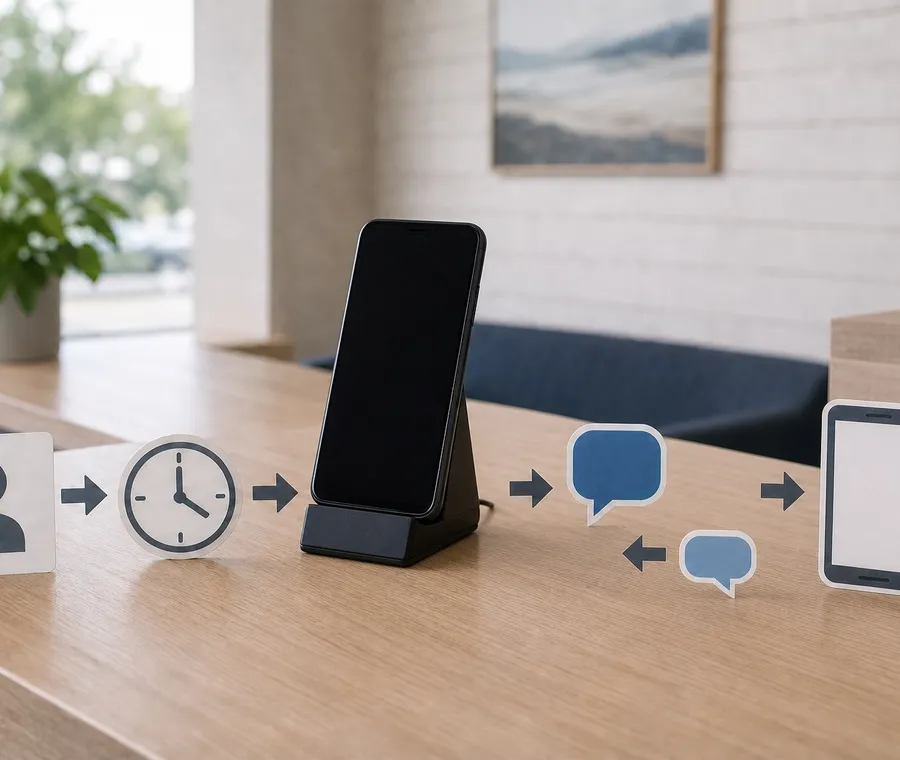

Speed to lead is the time between a prospect’s enquiry and the first useful response. With VoxiSMS, a form, CRM, booking, or marketplace event can trigger a concise SMS through Zapier or Make, sent from your business’s own Android phone, SIM, and real number so the prospect knows who is replying and can text back.
The aim is not to win a race against an arbitrary timer. A good first text confirms that the enquiry reached the right business, gives the prospect one helpful next step, and makes the reply easy.
Speed to lead in a nutshell
- Respond to the enquiry the person made, not with a generic sales pitch.
- Name your business and connect the text to the form, listing, booking, or quote request.
- Ask one question or offer one clear next step.
- Check whether the trigger is instant or polling before promising an immediate response.
- Route replies to a person or workflow that can continue the conversation.
Researchers writing in Harvard Business Review documented the underlying problem in 2011: most companies in their research were not responding to online enquiries quickly enough. Their article on the short life of online sales leads supports prompt follow-up, but it does not justify a universal promise that the first five minutes decide every sale. Use response speed as an operating target and validate it with your own pipeline.
Six useful first-response SMS examples
The first message should help the prospect move forward without pretending that a salesperson has already reviewed every detail.
| Enquiry trigger | Example first text | Useful next step |
|---|---|---|
| Contact form | ”Hi [name], this is [rep] from [business]. I received your question about [topic]. Would a reply here or a quick call work better?” | Let the prospect choose the channel |
| Quote request | ”Thanks for requesting a quote from [business]. Which matters most for this job: timing, scope, or budget?” | Ask one qualifying question |
| Property enquiry | ”Hi [name], this is [agent] from [business]. I saw your enquiry about [property]. Would you like viewing times or the key details first?” | Offer two relevant options |
| Product or service demo | ”Thanks for your interest in [product]. I can point you to the right setup. How many people would use it?” | Collect one decision-making detail |
| After-hours form | ”Thanks for contacting [business]. Your enquiry is in our queue, and [name/team] will reply after [time]. You can add details by replying here.” | Set an honest expectation |
| Appointment enquiry | ”Hi [name], [business] here. I received your appointment request for [service]. Is [option A] or [option B] better?” | Turn interest into a scheduling choice |
These are patterns, not scripts to send unchanged. Keep the sender, enquiry context, and next step accurate for the trigger that started the workflow.
Want to see which bridge fits your lead source? Compare the approved VoxiSMS integrations before building the first message.
Make the first text useful
A quick acknowledgement can be automated. A confident answer about price, availability, eligibility, or delivery may still need a person. Separate those jobs in the message.
Identify your business and the enquiry
Start with your business name or the representative’s name, then mention the specific action the person just took. “I saw your quote request for the kitchen repair” is more useful than “Thanks for your interest.”
Ask for one easy reply
One question gives the prospect a clear way to continue. If several details are required, begin with the detail that changes the next action. Long forms copied into a text message create friction instead of reducing it.
Set the right expectation
If the first SMS is automatic, do not make it sound like a person has already assessed the request. Say that it was received, state when a person will respond, or ask for a detail the workflow can safely collect.
Build the lead-to-SMS workflow
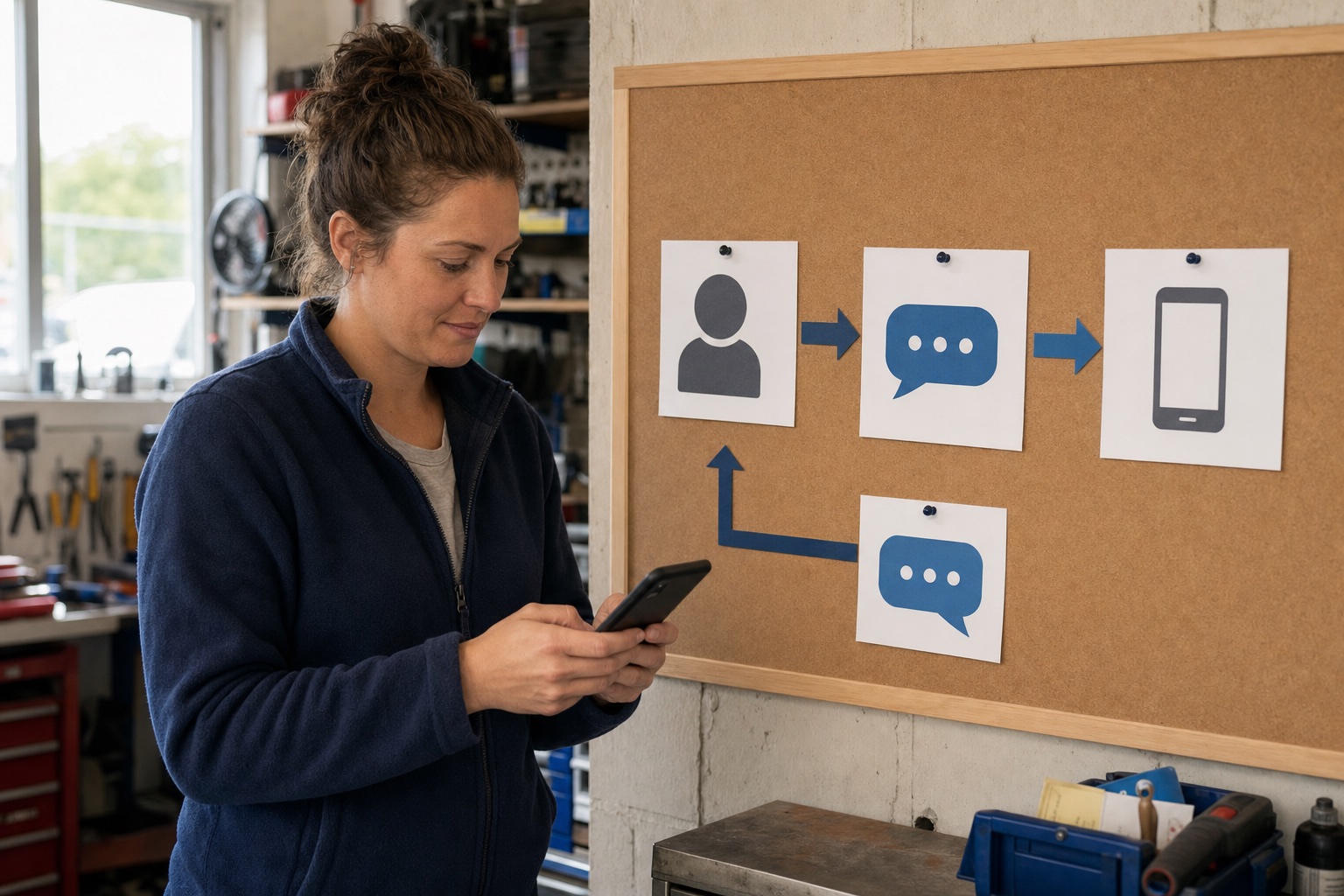
The practical path has five parts: a lead source, a trigger, message fields, the VoxiSMS action, and a reply destination.
1. Choose the event that shows real intent
Useful triggers include a submitted contact form, a new CRM lead, a quote request, a booking request, or an enquiry from a marketplace your business already uses. Do not start the automation from every contact update or imported record.
Trigger timing depends on the source app. Zapier’s current documentation distinguishes instant triggers from polling triggers: an instant trigger receives new data from the app, while a polling trigger checks for it at an interval. Make similarly documents that webhooks usually act as instant triggers, while services without webhooks may need polling.
2. Map only the fields the text needs
Most first responses need the mobile number, first name, business context, enquiry type, and one owner or queue. Avoid placing sensitive notes or an entire CRM record into the SMS body.
3. Add the VoxiSMS action
Choose the registered Android device, map the recipient number, and write the message. VoxiSMS sends through the SIM, real mobile number, and carrier plan already active on that phone. VoxiSMS adds no per-message fee of its own.
4. Decide where the reply goes
The recipient can reply to the real mobile number. Configure inbound handling so the reply reaches the person or automation that can continue the conversation, rather than remaining visible only on the physical phone.
5. Test the full round trip
Create a test enquiry with an internal number. Confirm that the trigger fires, the mapped fields are correct, the Android device sends the SMS, and the reply returns to the expected destination.
Ready to test the route with an internal number? Install VoxiSMS from Google Play, connect the Android sender, and verify both the outbound message and the reply.
Choose the automation route
VoxiSMS is the SMS delivery step. The lead source and workflow tool decide when the message starts and which fields it contains.
| Route | Best fit for lead follow-up |
|---|---|
| Zapier with VoxiSMS | A straightforward trigger, optional filter, and SMS action using common forms or CRM apps |
| Make with VoxiSMS | Scenarios that need routers, filters, field transformations, or several follow-up branches |
| Voxiplan with VoxiSMS | Appointment enquiries that should move into confirmations, reminders, changes, and reply handling |
For HubSpot, the current bridge is HubSpot to Zapier or Make to VoxiSMS; there is no native VoxiSMS-to-HubSpot connector. HubSpot’s own guide confirms that a new contact can act as a Zapier trigger and lists SMS alerts among its common Zap patterns in its HubSpot and Zapier setup documentation.
Measure response quality as well as speed
Time to first SMS shows whether the automation ran. It does not show whether the message helped. Review a small set of measures together:
- Time from enquiry creation to the first SMS.
- Percentage of sent first messages that receive a reply.
- Percentage that become a useful conversation or booked next step.
- Time from the prospect’s reply to a human response when one is needed.
- Workflow failures caused by a disconnected app, unmapped field, or offline Android device.
Read the messages that produced replies. A slower, relevant answer may outperform an instant text that asks the wrong question or hides the sender.
Keep the follow-up tied to the enquiry
A person who asks for a quote expects a response about that quote. That request should not be treated as permission for an unrelated recurring promotion.
For U.S. workflows, the current FCC rule requires prior express written consent for covered automated telemarketing messages and defines what that agreement must contain in 47 CFR 64.1200. Keep the first response connected to the person’s request, and handle any separate marketing program under the permission rules that apply to it.
Speed-to-lead launch checklist
- The trigger represents a new enquiry, not a bulk import or routine record edit.
- The message names your business and refers to the action the person took.
- The automatic text does not imply that a person reviewed details they have not seen.
- One question or next step makes replying easy.
- The phone number is normalized for the destination country.
- The Android phone is online, charged, and able to run VoxiSMS in the background.
- An inbound reply reaches a person or workflow that can act on it.
- A full test covers the trigger, send, delivery record, and reply path.
Frequently asked questions
Does every new lead need an automatic SMS?
No. Use SMS when the person supplied a mobile number for that interaction and a text is a suitable response to the enquiry. An email-only request, sensitive enquiry, duplicate record, or low-quality imported lead may need a different path.
Does speed to lead guarantee a sale?
No. Faster follow-up reduces avoidable delay, but relevance, offer fit, timing, price, and the quality of the conversation still matter. Measure your own response and qualification data instead of publishing a fixed conversion promise.
Can VoxiSMS send directly from any CRM?
VoxiSMS works as an action in Zapier or Make. The CRM must provide a suitable trigger in the selected automation tool, or send the event through a supported webhook path. Confirm the current trigger before promising immediate delivery.
Can a prospect reply to the first text?
Yes. VoxiSMS sends from the real mobile number in the connected Android phone. Inbound SMS can be forwarded into a webhook, Zapier, Make, or Voxiplan workflow when that reply route is configured.
What happens if the Android phone is offline?
VoxiSMS queues triggered messages until the device reconnects. For a time-sensitive first response, keep the phone powered, connected, and exempt from aggressive battery optimization, then monitor device health and test the route regularly.
