Zapier
Use a trigger from the booking, ordering, form, or spreadsheet app already in the Zap, then add VoxiSMS as the sending action.
Build a restaurant SMS Zap
Send reservation confirmations, waitlist updates, order-ready notices, booking changes, and guest follow-ups from your restaurant's own mobile number.
Your restaurant system chooses when a message is due. VoxiSMS delivers it through the connected Android phone and SIM.
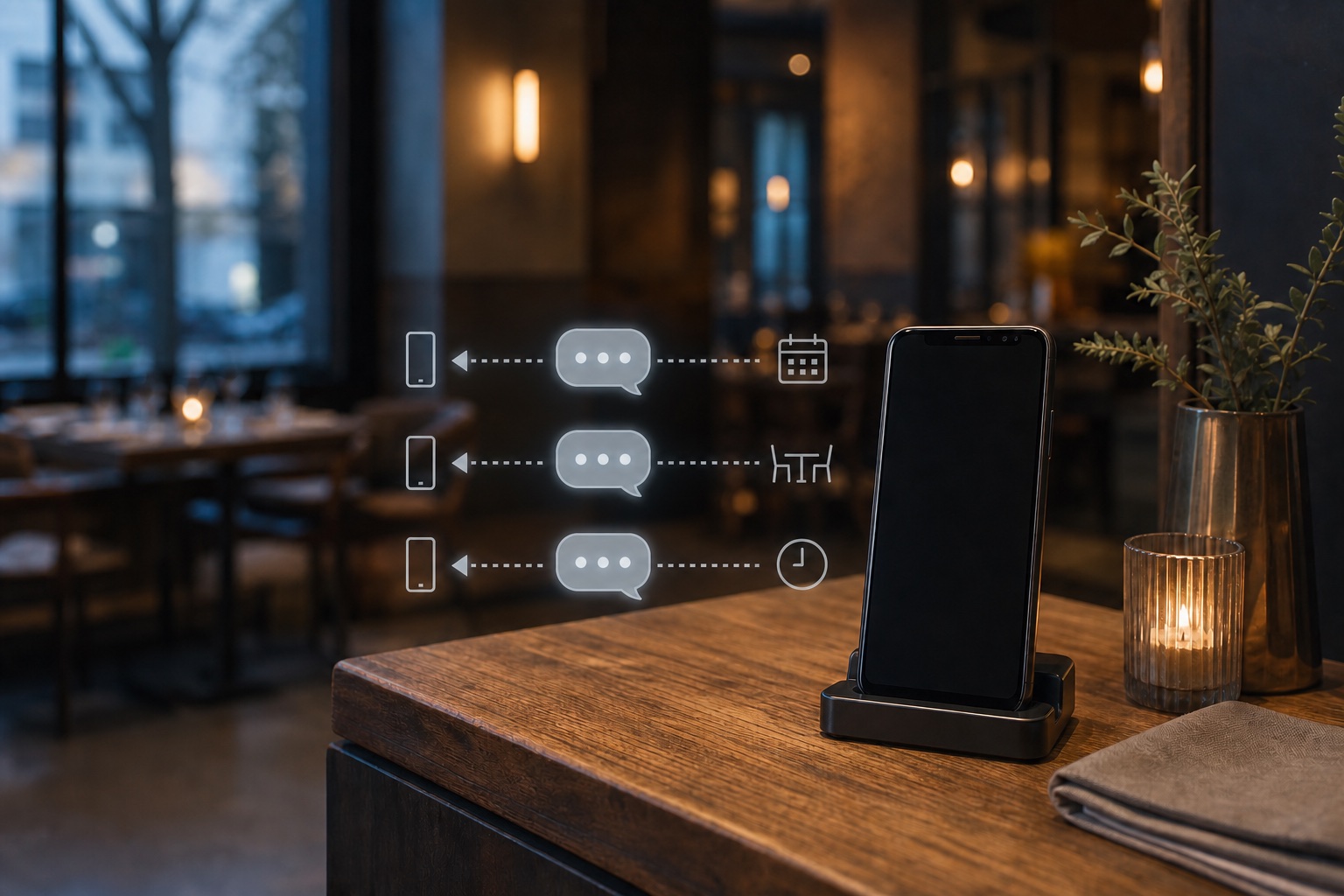
Quick answer
VoxiSMS is an Android SMS gateway for restaurants that want to automate practical guest messages from a recognizable real number. A reservation, waitlist, order, or form event triggers Zapier, Make, or Voxiplan; VoxiSMS then sends through the restaurant's own Android phone, SIM, and active mobile plan.
Keep the restaurant name, timing, and next step easy to find. Replace every placeholder with trusted fields from the trigger record.
| Guest moment | Workflow trigger | Example text |
|---|---|---|
| Reservation confirmation | A booking is accepted | [Restaurant]: Your table for [party size] is booked for [date] at [time]. Reply if the party size changes. |
| Waitlist update | A table becomes available | [Restaurant]: Your table is ready. Please arrive within [time window] or reply if your plans changed. |
| Order ready | The kitchen marks an order ready | [Restaurant]: Order [reference] is ready for pickup at [location]. Reply here if you need help. |
| Booking change | The reservation time or location changes | [Restaurant]: Your booking on [date] has moved to [new time/location]. Reply to confirm or ask a question. |
| Private event enquiry | A guest submits an event form | [Restaurant]: Thanks for your [event type] enquiry for [date]. We have your request and will follow up by [time]. |
| Opted-in offer | A consented promotion is scheduled | [Restaurant]: [Offer] is available on [day/time]. Book at [approved link]. Reply STOP to opt out. |
VoxiSMS handles the SMS action. Keep reservation, order, waitlist, and event logic in the app where those records already live.
Use a trigger from the booking, ordering, form, or spreadsheet app already in the Zap, then add VoxiSMS as the sending action.
Build a restaurant SMS ZapBuild a visual scenario that checks restaurant records, filters eligible guests, formats the message, and sends it through VoxiSMS.
Map the Make scenarioIf the booking workflow runs in Voxiplan, use its confirmations, reminders, changes, and reply routing with VoxiSMS as the delivery layer.
See the Voxiplan connection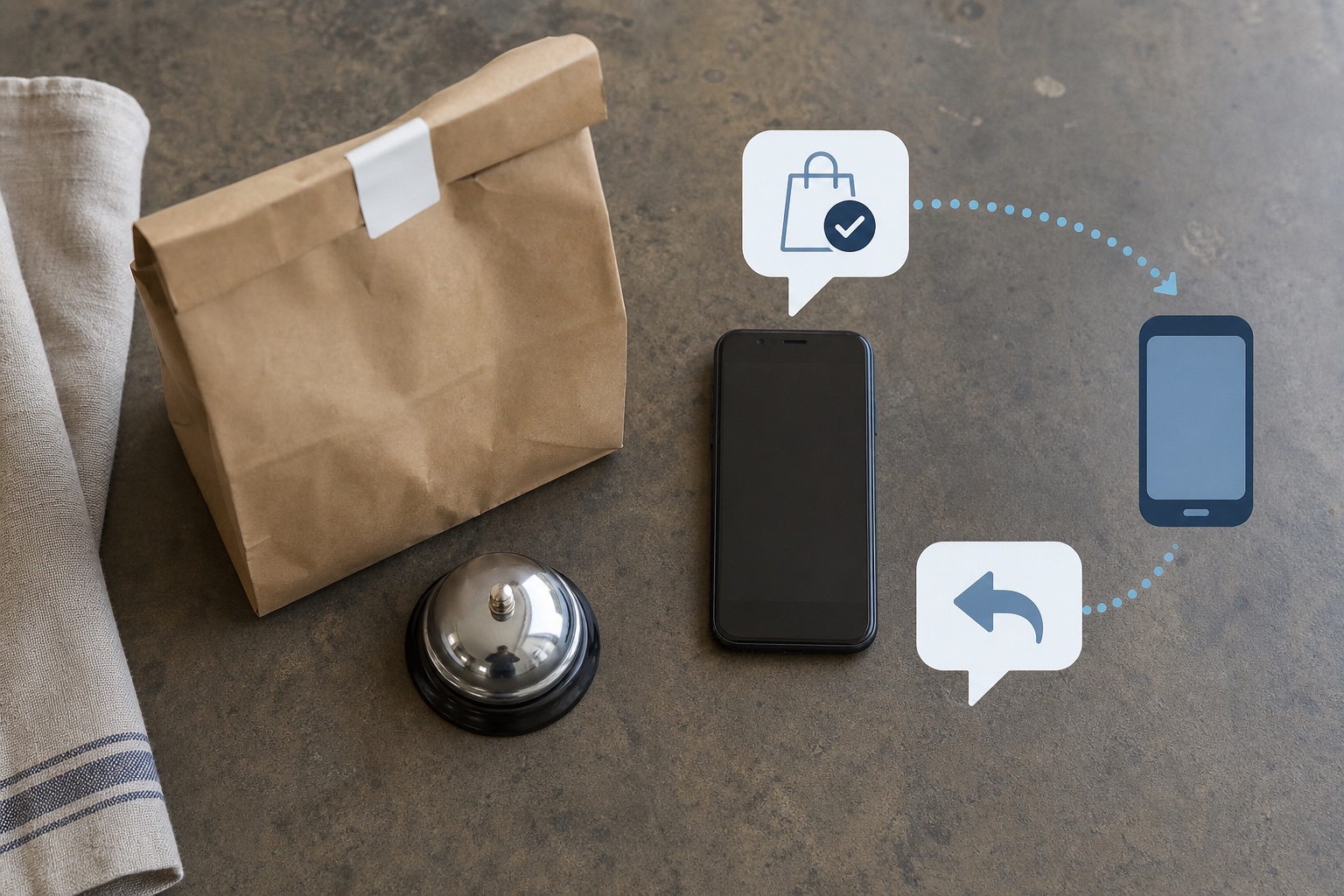
VoxiSMS turns the restaurant's Android phone into the sending step for the automation. The device sends through its own SIM and active carrier plan, and VoxiSMS adds no per-message fee.
Each part has one job: the restaurant system supplies the event, the automation checks and formats it, and the Android phone handles SMS delivery and replies.
Swipe horizontally to inspect each workflow step.
Start with one useful guest moment. A narrow workflow is easier to test, explain to staff, and improve after real replies arrive.
Review VoxiSMS integrationsStart with a reservation, waitlist status, order state, form response, or scheduled message that already exists in a system your team trusts.
Confirm the record is current, the mobile number is present, and the guest is eligible for that message category before composing the text.
Pass only the fields the guest needs: restaurant name, date or order reference, current status, location, and one clear next step.
Select the connected Android phone, map the guest number and message body, then run a test with a real internal number.
Send representative examples, reply from the recipient phone, and confirm the answer reaches the workflow or inbox the restaurant team checks.
For U.S. automated promotional texts covered by FCC rules, get prior express written consent and treat reasonable opt-out replies as revocations. The current 47 CFR 64.1200 delivery restrictions set out those requirements. Keep reservation, order, and promotional purposes separate in the workflow.
Clear answers about reservations, order-ready messages, replies, phone numbers, and the VoxiSMS sending model.
Restaurant SMS marketing uses text messages to communicate with guests about reservations, waitlists, pickup orders, events, and consented promotions. The most useful workflows tie each message to a real restaurant event and give the guest one clear next step.
Yes. Use the booking or waitlist tool as the trigger in Zapier, Make, or a supported Voxiplan workflow. VoxiSMS receives the recipient and message, then sends the text through the connected Android phone.
Yes. When the order system exposes a usable ready status through the restaurant's automation, that change can trigger a VoxiSMS action with the order reference, pickup location, and reply path.
Yes. Messages come from the real mobile number in the connected phone. Replies arrive on that number and can be forwarded into Zapier, Make, or Voxiplan workflows.
No. VoxiSMS uses the Android phone, SIM, real mobile number, and carrier plan the restaurant already has.
VoxiSMS adds no per-message fee. The connected Android phone sends through the mobile plan already active on its SIM.
Install VoxiSMS on the restaurant's Android phone, connect the workflow that already owns the guest event, and test one message end to end.