

Ecommerce workflow

Abandoned cart SMS: examples and automated setup

Send useful cart and checkout reminders from your store's own mobile number through Shopify or WooCommerce, Zapier or Make, and VoxiSMS.

Your ecommerce workflow decides who is eligible and when a reminder is due. VoxiSMS delivers it through the connected Android phone and SIM.

Ecommerce operator routing a cart event through an Android phone to an SMS reminder

Quick answer

Abandoned cart SMS in a nutshell

VoxiSMS is the Android SMS delivery step for ecommerce teams that want cart reminders to come from a real business number. Shopify, WooCommerce, or a recovery tool supplies the event; Zapier or Make checks and formats it; VoxiSMS sends through the store's own Android phone, SIM, and active mobile plan.

See how the VoxiSMS Android gateway works
  • Use the store or cart-recovery tool as the source of the abandoned cart or checkout event.
  • Check that the cart is still open and the customer has permission for this message before sending.
  • Let Zapier or Make handle the delay, filters, message fields, and recovery link.
  • Use VoxiSMS to send through your own Android phone, SIM, real number, and active mobile plan.
  • Stop the sequence after a completed order, closed cart, missing permission, or opt-out.
Choose the right event

Cart and checkout abandonment are different triggers

Shopify's current automation model separates product browse, cart, and checkout abandonment. Match the message and return link to the event your workflow can verify.

Review Shopify's current automation types
Event What it signals SMS use
Product browse A customer views a product but does not add it to the cart. Usually too early for a cart reminder. Use only if the source system has an eligible subscriber and a clear browse-recovery workflow.
Abandoned cart A customer adds an item but does not begin checkout. A short return-to-cart message can help the customer resume or ask a question.
Abandoned checkout A customer starts checkout but does not complete the order. Use the checkout recovery link and remove the reminder when the order is completed.
Message examples

Five abandoned cart SMS examples

Replace each placeholder with trusted store data. Keep the store name, reason for the text, return path, and opt-out easy to find.

Purpose When it fits Example text
Simple return First eligible cart reminder [Store]: You left [item] in your cart. Continue here: [recovery link]. Reply STOP to opt out.
Offer help The checkout stopped after delivery or product details [Store]: Need help with your cart? Reply with your question or return here: [recovery link]. STOP to opt out.
Saved checkout A checkout recovery URL is available [Store]: Your checkout is still available. Resume securely here: [recovery link]. Reply STOP to opt out.
Consented incentive A real, approved offer applies to the cart [Store]: Your cart is waiting. Use [approved offer] by [real deadline]: [recovery link]. STOP to opt out.
Final reminder The workflow allows one last follow-up [Store]: Last reminder about your saved cart: [recovery link]. Need help? Reply here. STOP to opt out.
Store recipes

Connect Shopify or WooCommerce to the sending workflow

VoxiSMS handles SMS delivery. The store platform, recovery tool, and automation own cart state, timing, consent data, and stop conditions.

Shopify through Zapier

Zapier currently lists a Shopify “New Abandoned Cart” trigger for open carts, with an abandoned-cart age field.

  1. 01 Choose Shopify's New Abandoned Cart trigger.
  2. 02 Set the cart-age window and test with an open cart.
  3. 03 Filter for a usable phone number and the permission signal stored by the business.
  4. 04 Add VoxiSMS as the action and map the recovery link.
  5. 05 Recheck the cart or order state before any later reminder.
WooCommerce through Make or a webhook

WooCommerce AutomateWoo marks a tracked cart as abandoned after its configured inactivity timeout and exposes a Cart Abandoned trigger for workflows.

  1. 01 Configure the abandoned-cart timeout in the WooCommerce recovery tool.
  2. 02 Use its Cart Abandoned event as the workflow source.
  3. 03 Pass the eligible phone number, cart state, and recovery URL into Make or a webhook route.
  4. 04 Add VoxiSMS as the SMS action.
  5. 05 Cancel or skip the reminder when the cart becomes active or the purchase completes.
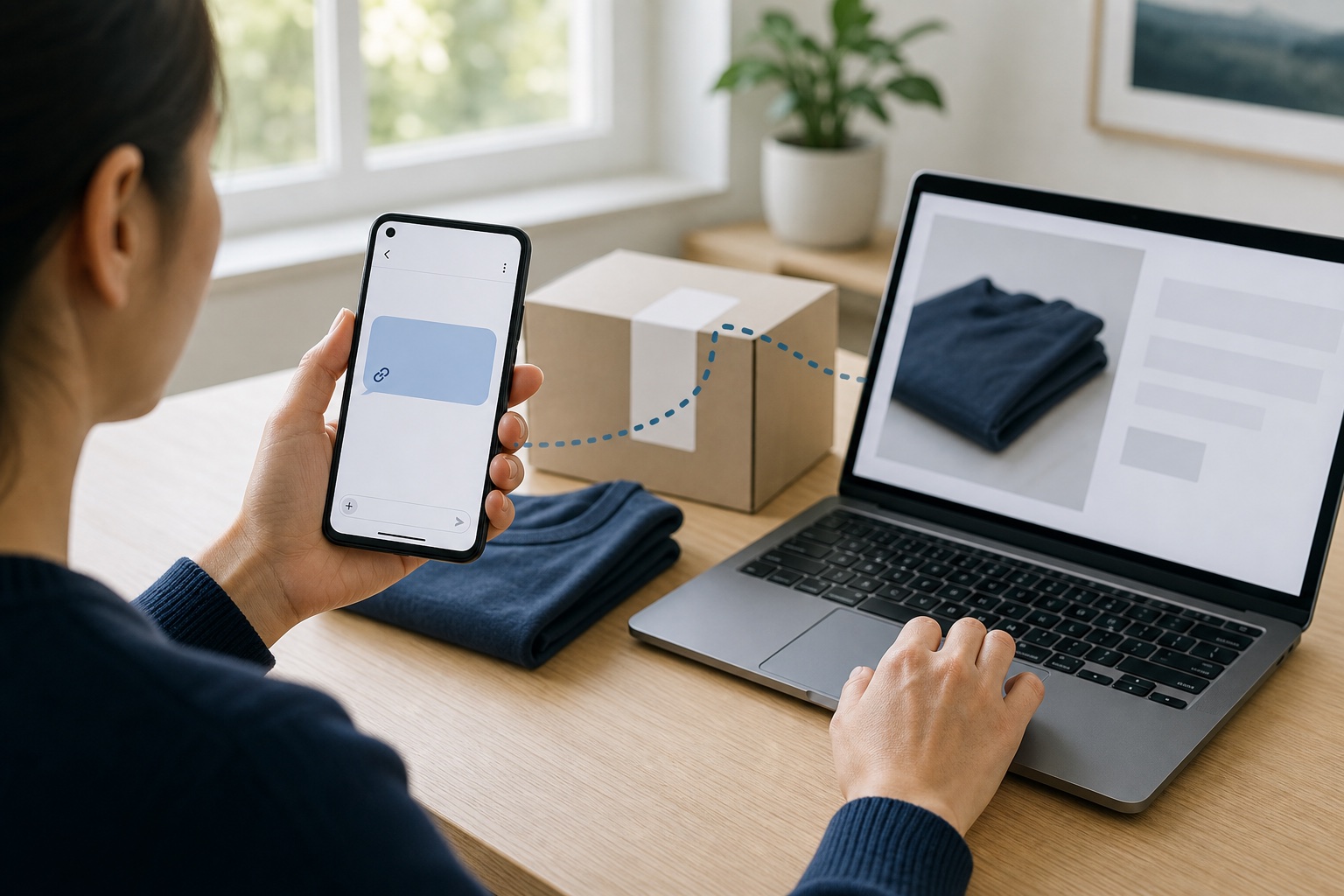
Customer receiving an SMS reminder on an Android phone and returning to a saved ecommerce purchase
A clear reminder gives the customer a direct return path without pretending the purchase is urgent.
Own-number delivery

Send cart reminders from a real mobile number

VoxiSMS turns the store's Android phone into the sending step. The device sends through its own SIM and active carrier plan, and VoxiSMS adds no per-message fee.

  • Use a real business number instead of renting another sender.
  • Receive customer replies on that same mobile number.
  • Keep the Android device powered, online, and ready to send.
Delivery path

How an open cart becomes one useful SMS

Keep the event, eligibility check, automation, delivery step, and stop conditions visible so the workflow is easy to test.

Five-step workflow from a cart event through eligibility checks, Zapier or Make, VoxiSMS, an Android phone, and a customer reminder

Swipe horizontally to inspect each workflow step.

Setup path

Build the first abandoned cart SMS workflow

Start with one reminder and one stop condition set. That gives the team a clear test before adding another message.

Review VoxiSMS integrations
  1. 01

    Choose the source event

    Start with the store or cart-recovery system that can identify an open cart or checkout and provide the customer's phone number and return URL.

  2. 02

    Set the eligibility rules

    Require the cart to remain open, confirm the customer's SMS permission covers the reminder, and exclude previous opt-outs.

  3. 03

    Add the delay and stop conditions

    Let the workflow wait for the interval you choose, then recheck for a completed order, closed cart, or newer customer activity.

  4. 04

    Map the reminder into VoxiSMS

    Choose the connected Android phone, map the phone number and message, and include only a trusted recovery destination.

  5. 05

    Test the complete path

    Run a test cart, receive the SMS, use the return link, complete the order, and confirm no later reminder remains queued.

Keep permission and opt-outs in the sending logic

Send automated cart reminders only when the business has the required permission for that message. In the U.S., the FCC says a reasonable revocation stops later robotexts that depended on consent. Feed opt-outs back into the store or automation before the next reminder can run. Read the FCC's current consent-revocation order.

Abandoned cart SMS questions, answered

Clear answers about store triggers, discounts, Android delivery, real numbers, and per-message fees.

What is an abandoned cart SMS?

An abandoned cart SMS is a text sent after an eligible customer leaves items in a cart or starts checkout without ordering. A useful message identifies the store, offers one clear return path, and stops when the order is complete or the customer opts out.

Can Shopify trigger an abandoned cart text through VoxiSMS?

Yes, through an automation bridge. Shopify supplies the cart event, Zapier or Make handles timing and filters, and VoxiSMS sends the message through the connected Android phone. VoxiSMS does not claim a native Shopify connector.

Can WooCommerce send abandoned cart SMS with VoxiSMS?

Yes, when a WooCommerce recovery tool exposes an abandoned-cart event and the data needed by the workflow. Pass that event into Zapier, Make, or a compatible webhook route, then use VoxiSMS as the sending action.

Does every cart reminder need a discount?

No. A direct return link or an offer to help may be enough. Add a discount only when it is real, approved, and available to that customer.

Will customers see the store's mobile number?

Yes. VoxiSMS sends from the SIM and real number in the connected Android phone, so the reminder and any replies use that number.

Does VoxiSMS charge for each cart reminder?

VoxiSMS adds no per-message fee. The connected Android phone sends through the mobile plan already active on its SIM.

Send the first cart reminder from your own number

Install VoxiSMS on the store's Android phone, connect the cart event through Zapier or Make, and test one reminder from event to completed checkout.