Server monitoring SMS alerts with Zabbix, Nagios, and Prometheus
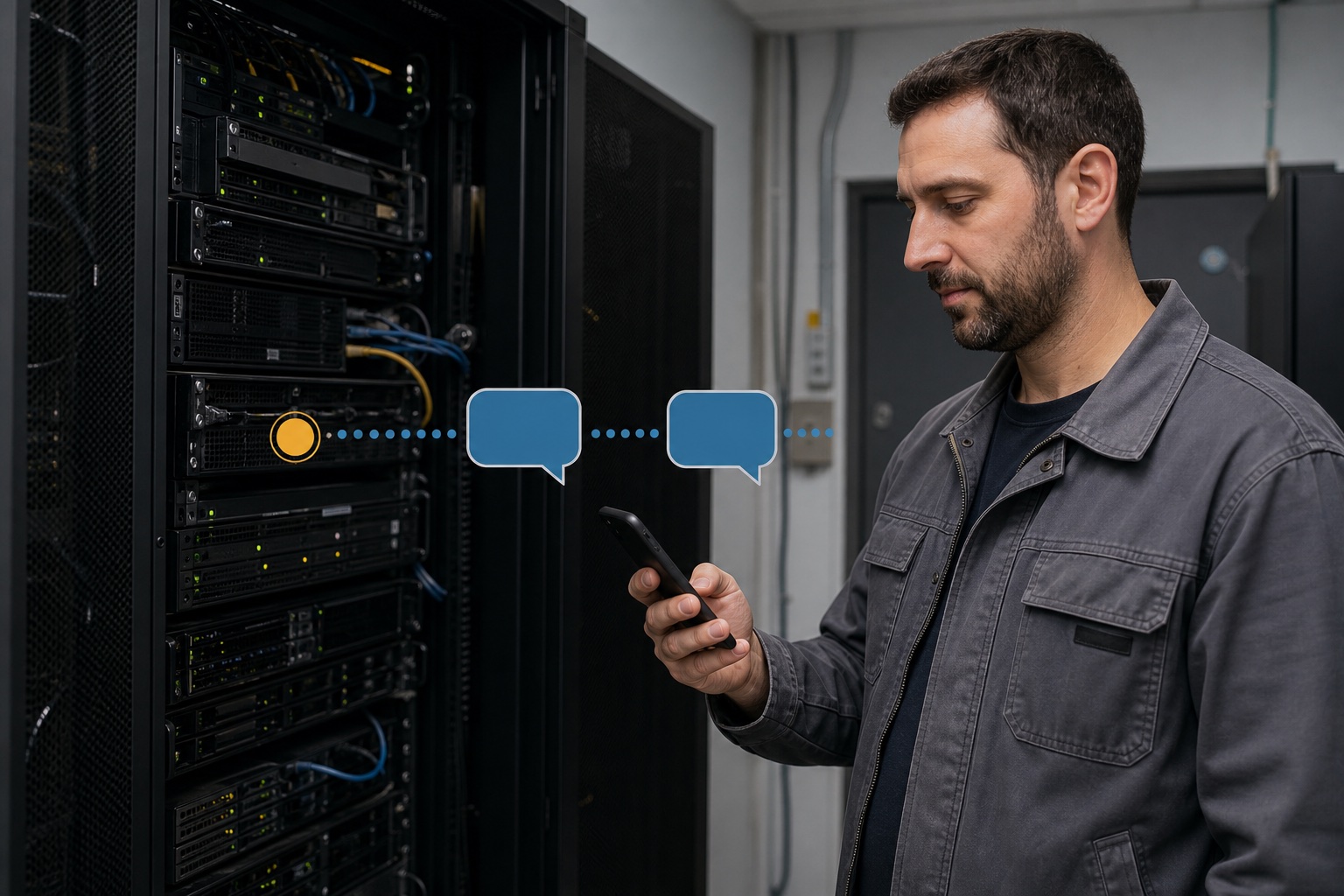
VoxiSMS turns a monitoring notification into an SMS by letting
Zabbix, Nagios, or Prometheus send event data to Zapier or Make. The
automation passes the recipient and message to VoxiSMS, and the
connected Android phone sends it through its own SIM and mobile
number.
The monitoring platform decides when to create the notification.
VoxiSMS handles the final SMS delivery step through your connected
Android phone.
Route at a glance
The monitoring-to-SMS route in a nutshell
Keep the monitoring logic where it already lives. The automation
receives the event, shapes the message, and hands it to the Android
sender.
Start with the notification your monitoring tool already generates.
Send its event data to a Zapier Catch Hook or a Make Custom webhook.
Map the host, service, state, time, and approved detail link into a short message.
Use VoxiSMS as the SMS action in the automation.
Send through the connected Android phone, its SIM, and your real mobile number.
Supported route pattern
Three monitoring tools, one practical SMS path
Each platform exposes a different notification mechanism, but all
three can hand event data to the same webhook-led automation.
Monitoring tool
Notification method
Automation receiver
Delivery step
Zabbix
Custom webhook media type and alert action
Zapier Catch Hook or Make Custom webhook
VoxiSMS action
Nagios Core
Host or service notification command
Zapier Catch Hook or Make Custom webhook
VoxiSMS action
Prometheus
Alertmanager webhook receiver
Zapier Catch Hook or Make Custom webhook
VoxiSMS action
Monitoring tool setup
Connect Zabbix, Nagios, or Prometheus to the webhook
Use the notification mechanism documented by your monitoring tool.
These setup paths keep the implementation focused on moving a useful
event payload into the SMS action.
Zabbix
Zabbix supports a custom webhook media type that can make HTTP requests. Use it to pass selected alert macros to the webhook URL created in Zapier or Make.
1 Create the receiving webhook in Zapier or Make and copy its HTTPS URL.
2 In Zabbix, create a Webhook media type under Alerts > Media types.
3 Pass the webhook URL plus the host, event, state, time, and detail URL as parameters.
4 Test the media type with example values, then attach it to the alert action that should send the SMS.
Nagios uses notification commands for host and service events. A command can POST the relevant Nagios macros to the receiving webhook before the automation builds the SMS.
1 Create the Zapier or Make webhook and keep the URL private.
2 Define a notification command that sends a small JSON or form payload to that URL.
3 Map macros such as host, service, notification type, output, and event time.
4 Assign the command to a controlled contact and test it with a known host or service notification.
Alertmanager routes alerts to receivers and includes a generic webhook receiver. Point that receiver at the Zapier or Make URL, then map the payload fields needed for the SMS.
1 Create the receiving webhook in Zapier or Make.
2 Add a webhook receiver to the Alertmanager configuration using that URL.
3 Route the intended alert rules to the receiver and keep useful labels or annotations available.
4 Validate and reload the configuration, then test with a controlled alert before relying on the workflow.
Choose the automation builder your team already uses. Both paths
receive the monitoring event before passing the recipient and message
into VoxiSMS.
Zapier
Choose Webhooks by Zapier as the trigger and use Catch Hook for a parsed request. Send a sample from the monitoring tool, map the fields, then add VoxiSMS as the action.
Zapier documents Catch Hook as a unique URL that accepts GET, PUT, or POST requests and exposes parsed fields to later Zap steps.
Start the scenario with Webhooks > Custom webhook, send a sample event so Make detects the fields, then map the recipient and message into the VoxiSMS module.
Make documents Custom webhooks as HTTPS URLs that external services can call to trigger a scenario.
Server alert SMS examples you can map from event data
Keep each text specific enough to identify the event without copying a
full monitoring payload into the message.
Trigger
Useful fields
Example message
Zabbix host event
host, event, time, detail URL
[Host] reported [event] at [time]. Check [approved detail URL].
Nagios service notification
service, host, state, output
[Service] on [host] changed to [state] at [time]. [Short output].
Prometheus alert
alert name, instance, status, runbook URL
[Alert name] is [status] for [instance]. Check [approved runbook URL].
Backup check
job, system, result, time
Backup [job] on [system] finished with [result] at [time]. Review [approved URL].
Certificate check
domain, remaining days, owner
Certificate for [domain] reaches its renewal window in [days] days. Owner: [team].
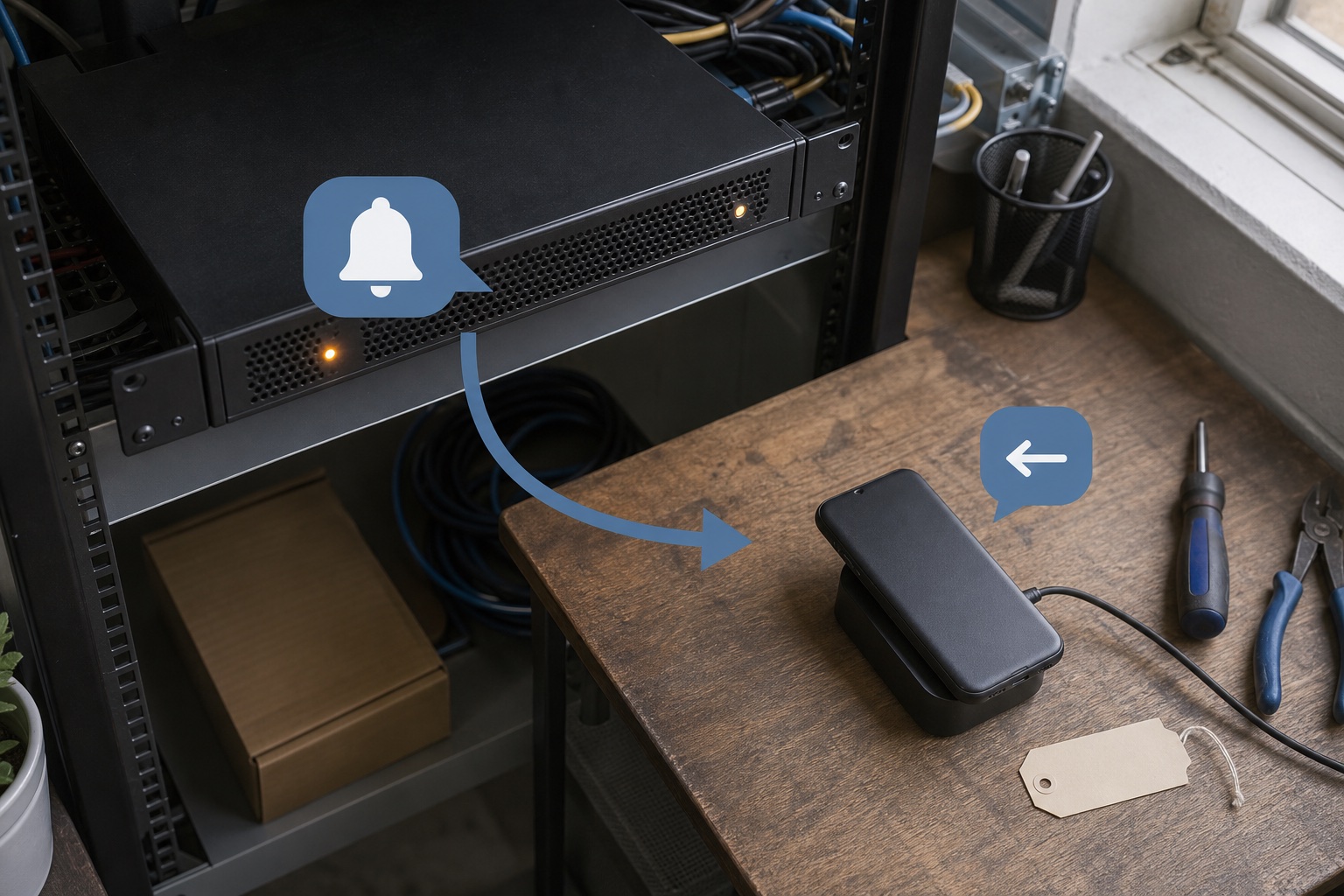
The automation creates the message; the Android phone and SIM are
the real SMS sender.
Own-number delivery
Send each alert through your Android phone and SIM
The VoxiSMS Android SMS gateway
uses the mobile plan already active on the connected phone. The recipient
sees that real mobile number, and VoxiSMS adds no per-message fee.
Keep the phone powered and connected to the internet.
Allow VoxiSMS to run reliably in the background.
Choose the intended Android device in the automation action.
Complete route
How a monitoring event becomes an SMS alert
The monitoring tool creates the event, the webhook starts the
automation, and the Android phone sends the final text.
Swipe horizontally to inspect each workflow step.
End-to-end setup
Build the first monitoring SMS workflow in five steps
Use one controlled monitoring event and one recipient while you
verify the route. Expand the workflow only after that message
arrives with the expected details.
Install VoxiSMS on the Android phone whose mobile number should send the alert, then keep the device online and powered.
02
Create the receiving webhook
Use Zapier Catch Hook or Make Custom webhook and copy the generated URL into the monitoring tool's notification setup.
03
Send one sample event
Trigger a controlled notification so the automation can expose the host, service, state, message, time, and detail-link fields.
04
Map the VoxiSMS action
Choose the Android device, set the intended team number, and build the SMS from only the fields that help the recipient identify the event.
05
Test the complete route
Run the same controlled event again and check the received text, sender number, message variables, and approved destination link.
Pre-launch check
Test the alert route before using it in normal operations
A controlled event should prove the webhook, field mapping, message,
Android sender, and destination in one pass.
The monitoring tool sends a successful webhook request.
Zapier or Make receives the expected sample fields.
The recipient number is fixed or mapped from an approved source.
The message identifies the host or service and includes a useful time.
Any detail link points to an approved destination your team can access.
The Android phone is charged, online, and allowed to run in the background.
The test SMS arrives from the intended real mobile number.
The webhook URL is stored privately rather than exposed in public code or pages.
Server monitoring SMS alert questions, answered
Clear answers about Zabbix, Nagios, Prometheus, webhooks, Android delivery, and message content.
Can Zabbix send server alerts by SMS through VoxiSMS?
Yes. Configure a Zabbix custom webhook media type to send selected alert fields to Zapier or Make, then use VoxiSMS as the SMS action. The connected Android phone sends the message from its own SIM and mobile number.
How does Nagios Core connect to VoxiSMS?
Use a Nagios host or service notification command to POST event fields to a Zapier Catch Hook or Make Custom webhook. The automation maps those fields into the VoxiSMS action.
Can Prometheus Alertmanager trigger a VoxiSMS message?
Yes. Alertmanager has a generic webhook receiver. Point it at the Zapier or Make webhook URL, map the useful alert fields, and let VoxiSMS send the resulting text through the connected Android phone.
Does VoxiSMS add a fee for every monitoring alert?
No. VoxiSMS adds no per-message fee. The Android device sends through the mobile plan already active on its SIM.
What should a server alert SMS contain?
Keep it practical: name the host or service, state what changed, include the event time, and add one approved detail or runbook link when the recipient needs more context.
Send the first monitoring alert from your own number
Connect one monitoring notification to Zapier or Make, pass it to
VoxiSMS, and test the complete route through your Android phone.