Phone number confirmation
[Business]: Use [code] to confirm this phone number. It expires at [time].

Generate a short-lived code in your website or app, pass it to Zapier or Make, and let VoxiSMS send it from your connected Android phone and real mobile number. Your source system remains responsible for code generation, expiry, validation, and failed attempts.
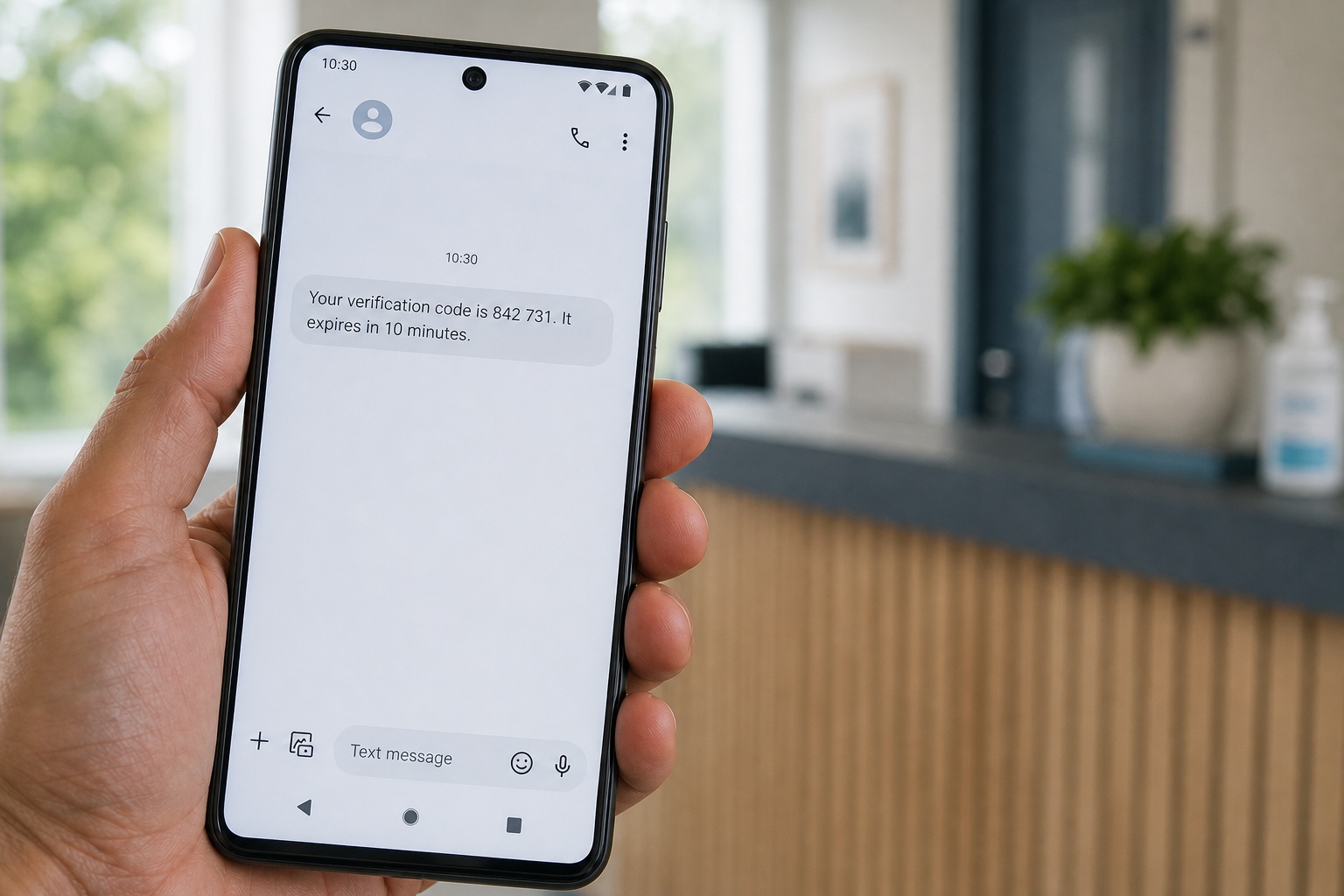
VoxiSMS is the delivery layer. Your source system remains responsible for code generation, expiry, validation, and failed-attempt controls.
Each example starts with a clear event in the source system and ends with a short message sent from your business mobile number.
| Use case | Typical trigger | Why it fits |
|---|---|---|
| Confirm a phone number | A user adds or changes a mobile number | Good fit when the code only proves control of that number |
| Complete low-risk onboarding | A new member or customer reaches the verification step | Useful when the account does not expose sensitive data or privileged controls |
| Confirm booking contact details | A customer submits a booking or service request | Useful for checking that future updates reach the intended phone |
| Verify an internal test flow | A staging or limited-access workflow requests a code | Practical for controlled tests before a wider authentication rollout |
Swipe horizontally to compare each use case.
Use only the context a recipient needs to recognize the request and complete the step.
Phone number confirmation
[Business]: Use [code] to confirm this phone number. It expires at [time].
Low-risk sign-in
Your [Business] verification code is [code]. Use it once to finish signing in.
Booking contact check
[Business]: [code] confirms the mobile number for booking [reference].
Unexpected request
[Business] code: [code]. If you did not request it, ignore this message and contact [support].
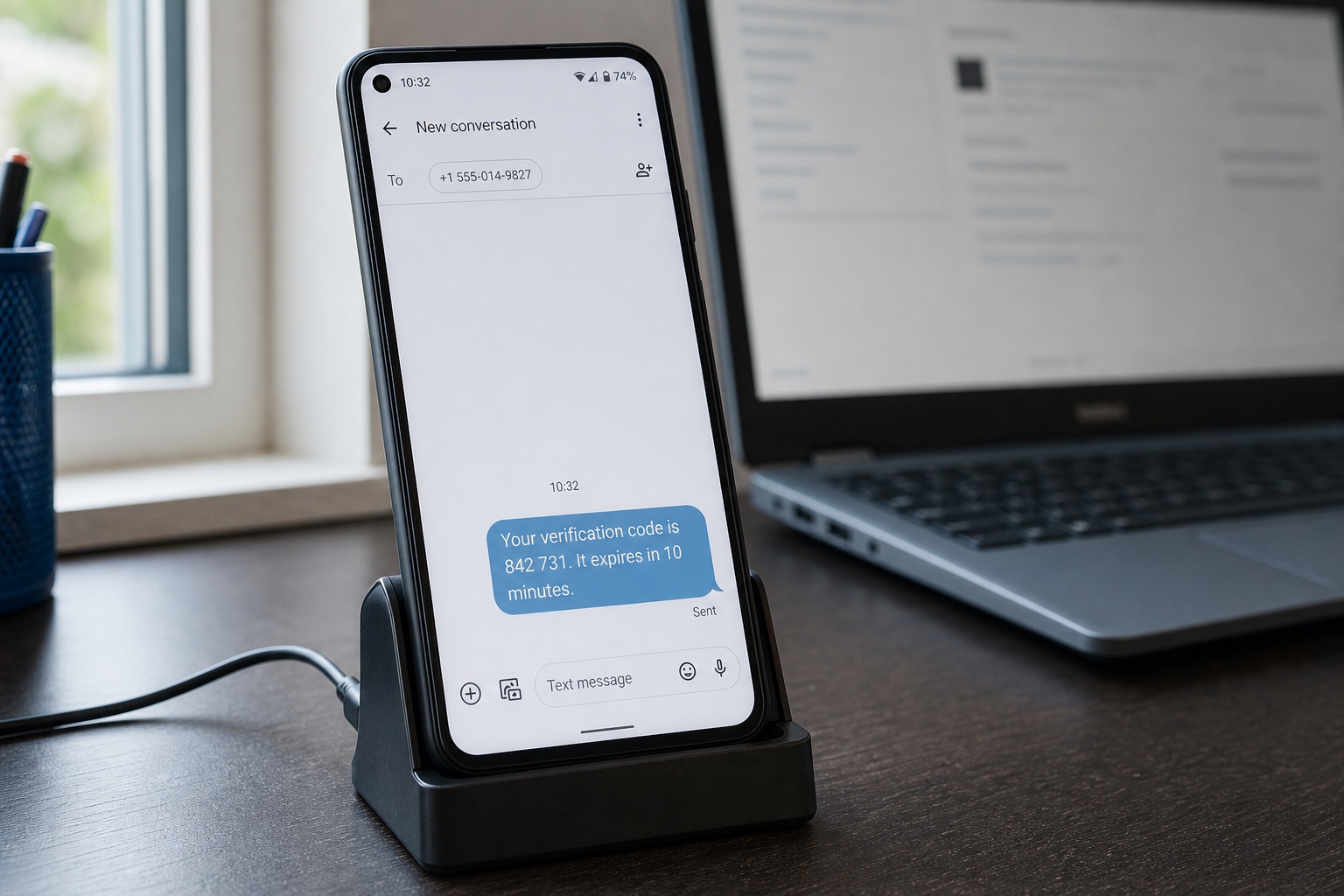
The VoxiSMS Android SMS gateway receives the final recipient and message from your automation. It sends through the mobile plan already active on the connected phone, and VoxiSMS adds no per-message fee.
Choose a supported route from the VoxiSMS integrations directory. The source event can come from your app, form, database, or identity workflow, as long as it can start Zapier or Make with the required fields.
Neither route turns VoxiSMS into a public verification API. They connect your existing verification event to the Android SMS sender.
Start with the event that creates the verification request, or receive it with a Catch Hook. Map the phone number and generated code into the VoxiSMS action.
Build the VoxiSMS step in ZapierReceive the verification event with a Custom webhook or a supported app module, then map the recipient and message into the VoxiSMS module.
Build the VoxiSMS module in MakeCode creation and validation stay in your source system. Zapier or Make carries the delivery instruction to VoxiSMS.
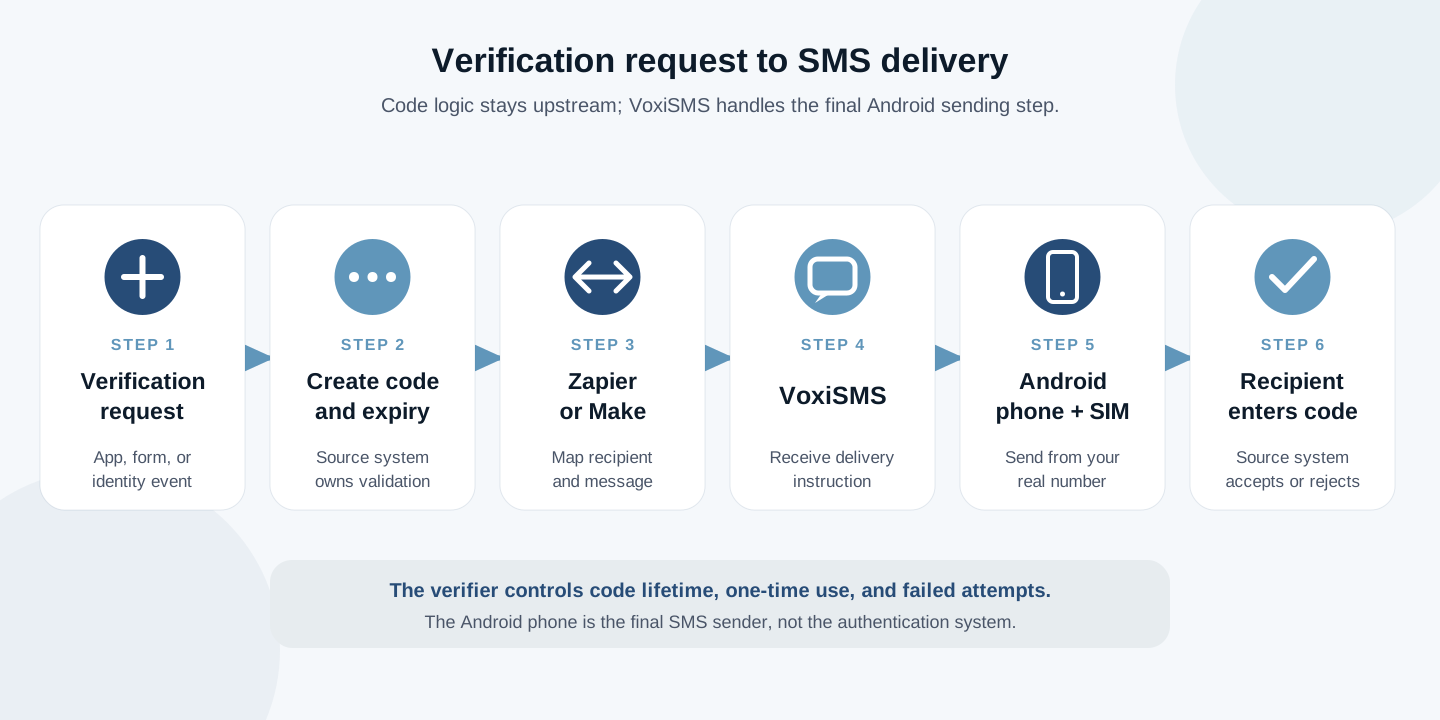
Swipe horizontally to inspect each workflow step.
People often call any code sent by text an OTP. In NIST SP 800-63B, a secret delivered by SMS is an out-of-band authentication secret. NIST classifies PSTN delivery as restricted and not phishing-resistant. Keep this route for lower-risk verification. For privileged access, sensitive records, financial transactions, or account recovery, use a dedicated authentication service with phishing-resistant options.
NIST also documents interception, social engineering, redirected mobile numbers, and malicious apps as threats to out-of-band secrets. The delivery channel cannot replace the verifier controls in your application.
The app or identity service should generate the secret, associate it with the right account and phone number, and decide whether a submitted code is valid.
NIST requires out-of-band authentication secrets to expire within 10 minutes and be accepted only once. Your risk model can choose a shorter validity period.
NIST specifies at least six decimal digits and rate limiting for short secrets. Issuing a new secret must not reset the failed-attempt count.
Treat a phone-number change as a new binding step. Consider device swaps, SIM changes, number porting, and other abnormal behavior before relying on SMS.
Start with one controlled test account and one recipient. Verify code behavior as well as delivery before widening access.
Install VoxiSMS from Google PlayInstall VoxiSMS on the Android phone whose real mobile number should send the verification message. Keep it powered, online, and able to run in the background.
Connect the source event to Zapier or Make, then add VoxiSMS as the action or module that delivers the final text.
Create the code and its validity record in your own app or identity system. Do not ask the automation or SMS delivery layer to decide whether it is correct.
Pass the recipient, code, business name, expiry wording, and a short unexpected-request instruction. Leave account details and sensitive context out of the SMS.
Request one controlled code, confirm the SMS arrives from the intended number, use it once, and prove that reuse and expired submissions fail.
A successful SMS is only half the test. The source system must also reject reused, expired, mistyped, and delayed codes correctly.
Clear answers about code generation, Android delivery, sender numbers, and delayed messages.
No. Generate and validate the code in your app, website, or identity system. VoxiSMS handles the final SMS delivery step through the connected Android phone.
No. VoxiSMS is an Android SMS gateway that connects to Zapier, Make, and Voxiplan. For this workflow, Zapier or Make passes a recipient and message to VoxiSMS, and the Android phone sends the SMS.
The message is sent by the mobile number on the SIM inside the connected Android phone, so the recipient sees your real number.
No. VoxiSMS adds no per-message fee. The Android phone sends through the mobile plan already active on its SIM.
VoxiSMS can queue a triggered message until the device reconnects. The source system must still enforce the code expiry, so a delayed SMS cannot make an expired code valid again.
Connect one controlled verification event to Zapier or Make, pass the final message to VoxiSMS, and test the route through your Android phone.